
Env-Matcher – update your .env without giving away secrets.
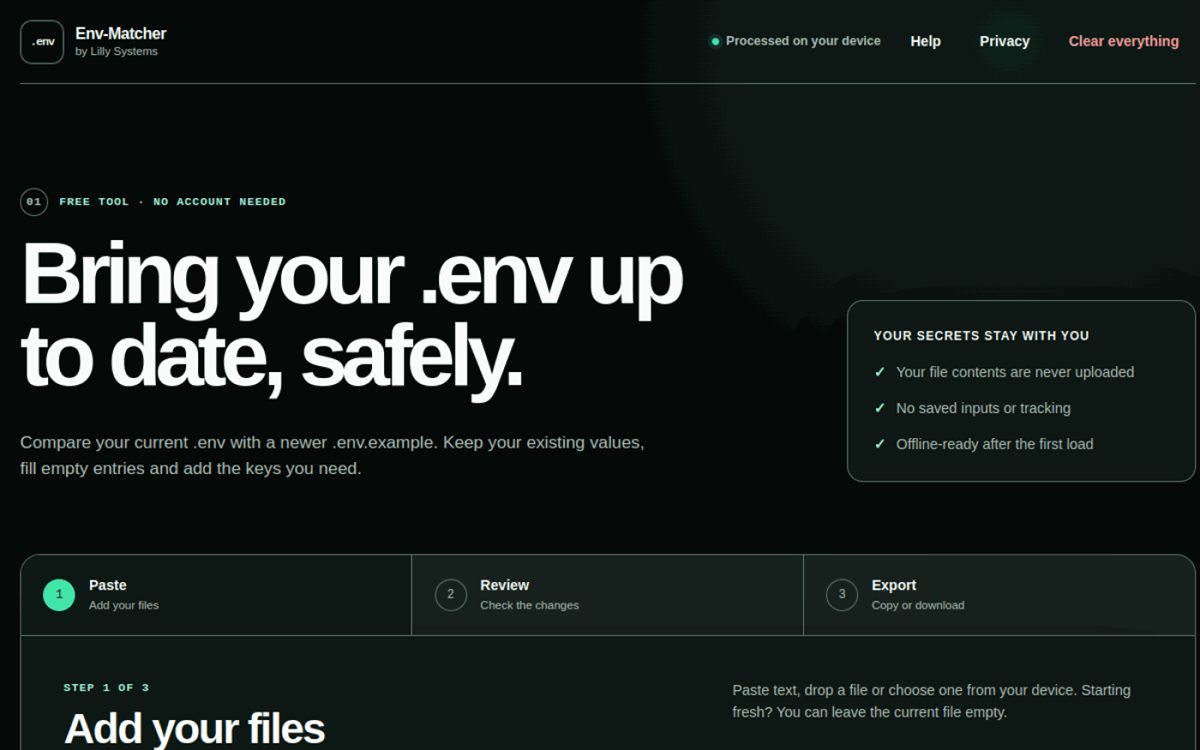
Every software project knows the moment: the .env.example has gained new entries, your own .env hasn't. Reconciling that by hand means missed keys or overwritten values. Env-Matcher does it in three steps – entirely in the browser, so credentials never leave the device. We built the tool for Lilly Systems, which offers it for free.
- Developer tool
- Privacy
- Works offline
- Free
What we built
A small tool with clear rules
When two configuration files meet, comparing them is the easy part. The hard part is deciding which value wins. Env-Matcher answers that with fixed, traceable rules.
Everything on the device
The files are compared in the browser. Their contents never reach the server – it only delivers the app itself. No account, no analytics, no saved inputs.
Existing values first
Filled values in the current file stay. If an entry is only filled in the example, that value is used; if it is empty on both sides, it stays empty. New keys are pre-selected and can be skipped one by one.
Values stay hidden
In the review and in the result, values are hidden until you deliberately reveal them. Copying and downloading still work. After 15 minutes without activity, everything is cleared.
Works offline
After the first load the app runs without a connection and can be installed as an app where the browser supports it. It handles UTF-8 files up to 2 MiB and 10,000 lines.
How it works
Paste, review, export
Add your files
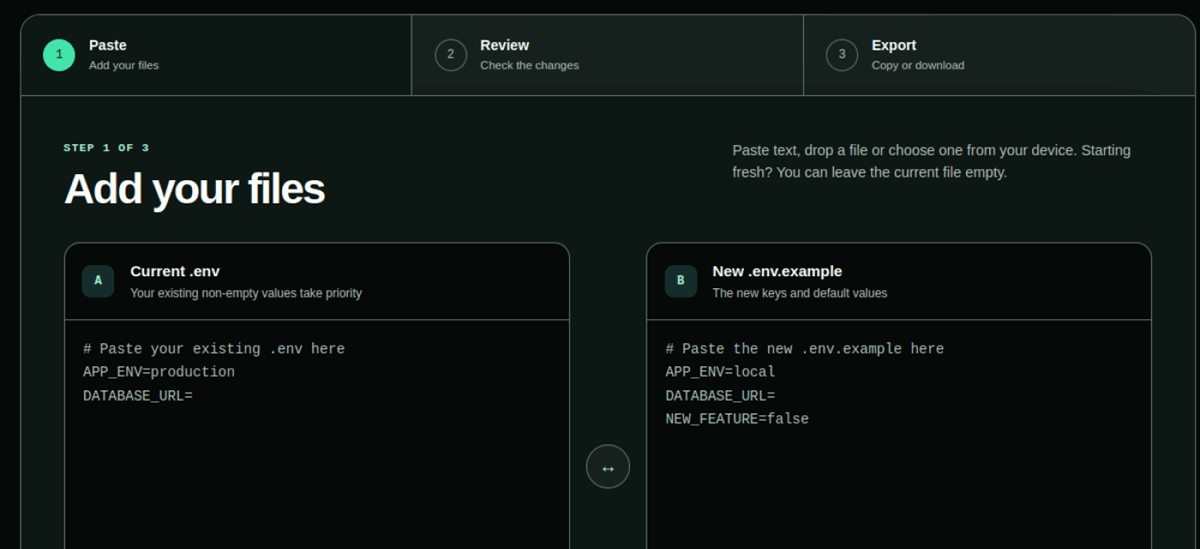
Paste the current .env and the newer .env.example, drop them in or choose them from your device. Starting fresh? Just leave the current file empty.
Review the changes
An overview shows new keys, keys already present, local-only keys and open issues. Duplicate entries are flagged – values and variable references are never executed or expanded.
Copy or download
Choose the layout – keep the current one or follow the example – and copy the finished file or download it as .env.
The interface
Two files, one clear comparison
The existing configuration on the left, the new template on the right. Right at each input it says which side wins when in doubt.
Under the hood
Privacy as a blueprint, not a promise
In a tool for configuration files, the most important property is one you cannot see: the contents must not go anywhere. So we built Env-Matcher to run the comparison entirely in the browser. The server delivers the app and its security headers – nothing more.
That also covers what is deliberately missing: no accounts, no analytics, no crash reporting, no inputs in browser storage or the offline cache. Inputs and output are discarded on reload, when leaving the page, via «Clear everything», or after 15 minutes without activity.
The comparison rules – which value wins, how duplicate keys are handled, in which order the result is built – are fixed and explained inside the app itself. That keeps every result traceable.
We developed the tool; it is published and operated by Lilly Systems.
See it live
One less manual check.
Best tried with a sample file – no account, and nothing gets uploaded.